

- Introduction
- Why You Need an Online PDF Translator in 2026
- Quick Comparison Table📊
- How Online PDF Translation Works
- What Makes a Good Online PDF Translator Tool
- Detailed Reviews of the Best Online PDF Translator Tools🔍
- How to Choose the Right Online PDF Translator
- Tips for Better Results with an Online PDF Translator💡
- FAQ
- Conclusion
10 Best Online PDF Translator Tools in 2026 (Free & Paid)
Introduction
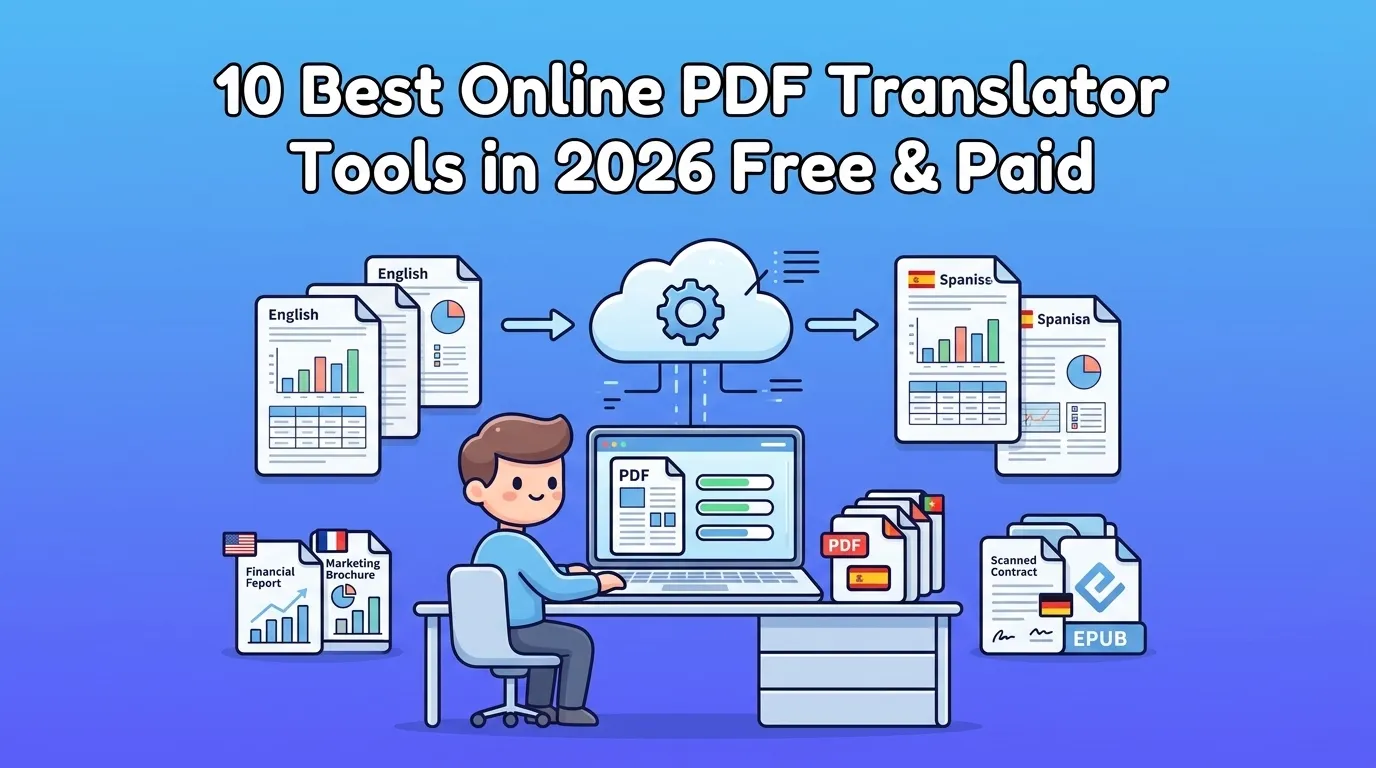
Translating PDFs used to mean one of two things: paying a translator to reformat your document by hand, or copy-pasting paragraphs into a general AI tool and losing every table and chart in the process. Neither option works for real document work — business contracts, academic papers, ebooks, product manuals.
In 2026, a third option has matured: dedicated online PDF translator tools that combine neural translation with layout reconstruction. We tested 10 of the most popular options on real files — a 28-page financial report, a 16-page marketing brochure, a 6-page scanned contract, and a 40-page EPUB — to find out which ones actually deliver.
This guide covers what to look for in an online PDF translator, how the technology works, side-by-side comparisons of the 10 best tools, and our recommendation for most users.
Why You Need an Online PDF Translator in 2026
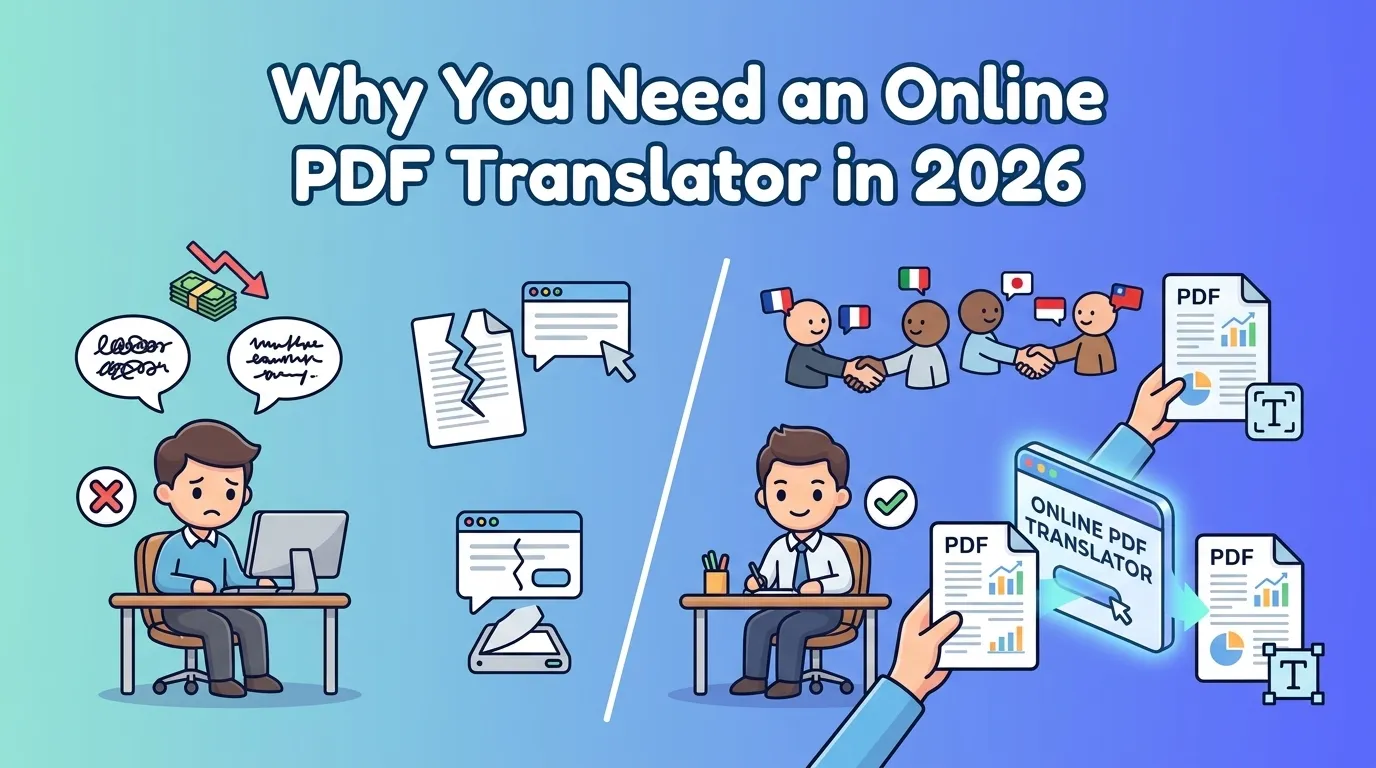
Cross-border collaboration has exploded. Document translation is now a daily task for many teams — not a one-off project.
According to a 2025 CSA Research survey, 76% of enterprise buyers said language barriers cost them at least one deal in the past year. Most teams still rely on copy-pasting text into generic AI chat tools — which strips away original formatting and breaks on scanned files.
A dedicated online PDF translator solves both problems: it processes the document as a whole, keeps your layout intact, and reads scanned PDFs via OCR. The category has grown into its own product space — not a feature buried inside generic AI tools.
Quick Comparison Table📊
| Tool | Best For | Translation Quality | Layout Preservation | OCR | Free Tier | Price |
|---|---|---|---|---|---|---|
| VideoCompress | All-around + multi-format | ⭐⭐⭐⭐⭐ | ⭐⭐⭐⭐⭐ | Yes | Yes | Free |
| BelinDoc | Scanned PDFs | ⭐⭐⭐⭐ | ⭐⭐⭐⭐⭐ | Yes | Limited | Paid |
| DeepL Documents | European languages | ⭐⭐⭐⭐⭐ | ⭐⭐⭐ | Limited | Yes | Freemium |
| Free casual | ⭐⭐⭐⭐ | ⭐⭐ | No | Yes | Free | |
| SlideSpeak | Presentations | ⭐⭐⭐⭐ | ⭐⭐⭐⭐ | Yes | Limited | Freemium |
| Doclingo | Multi-language | ⭐⭐⭐⭐ | ⭐⭐⭐ | Limited | Yes | Freemium |
| NoteGPT | Study notes | ⭐⭐⭐⭐ | ⭐⭐⭐ | No | Yes | Freemium |
| ChatGPT | Creative | ⭐⭐⭐⭐⭐ | ⭐ | No | Yes | Token-based |
| Yandex | Russian / Slavic | ⭐⭐⭐⭐ | ⭐⭐⭐ | Yes | Yes | Freemium |
| SmartCat | Enterprise MT + human | ⭐⭐⭐⭐ | ⭐⭐⭐ | Limited | Yes | Paid |
How Online PDF Translation Works
A modern online PDF translator typically runs in four steps:
- Upload your file — Drop in a PDF, Word document, TXT file, or EPUB. Most tools accept files up to 50–500 MB.
- Extract the text (and OCR if scanned) — Text-based PDFs are parsed directly. Scanned files run through OCR engines to recognize characters.
- Translate with a neural model — Modern tools use LLMs or specialized translation models (DeepL, Google NMT, GPT-class), often with glossary control.
- Rebuild the layout and export — The translation is mapped back onto the original page structure so tables, charts, headers, and footers stay in place.
The key advantage: you get a translated document you can actually use, not a wall of text in a chat window.
What Makes a Good Online PDF Translator Tool
After testing all 10 tools on the same document set, here’s what actually matters:
Look For:
- Translation quality — consistent terminology, contextual accuracy, multilingual support
- Layout preservation — tables, charts, multi-column text, and images all stay intact
- OCR for scanned files — many real-world PDFs are scans; without OCR you’re stuck
- Multi-format support — PDF, Word, TXT, EPUB at minimum
- Batch processing — for teams translating many files at once
- Data privacy — encrypted upload, no training on your documents
- Reasonable pricing — clear free tier, fair paid plans
Avoid:
- Tools that advertise OCR but fail on real scans
- Free tiers too small to test the workflow properly
- Tools that flatten complex layouts into single-column text
- Tools that don’t disclose whether they use your files to train models
Detailed Reviews of the Best Online PDF Translator Tools🔍
1. VideoCompress — Best for Layout Preservation and Multi-Format Translation
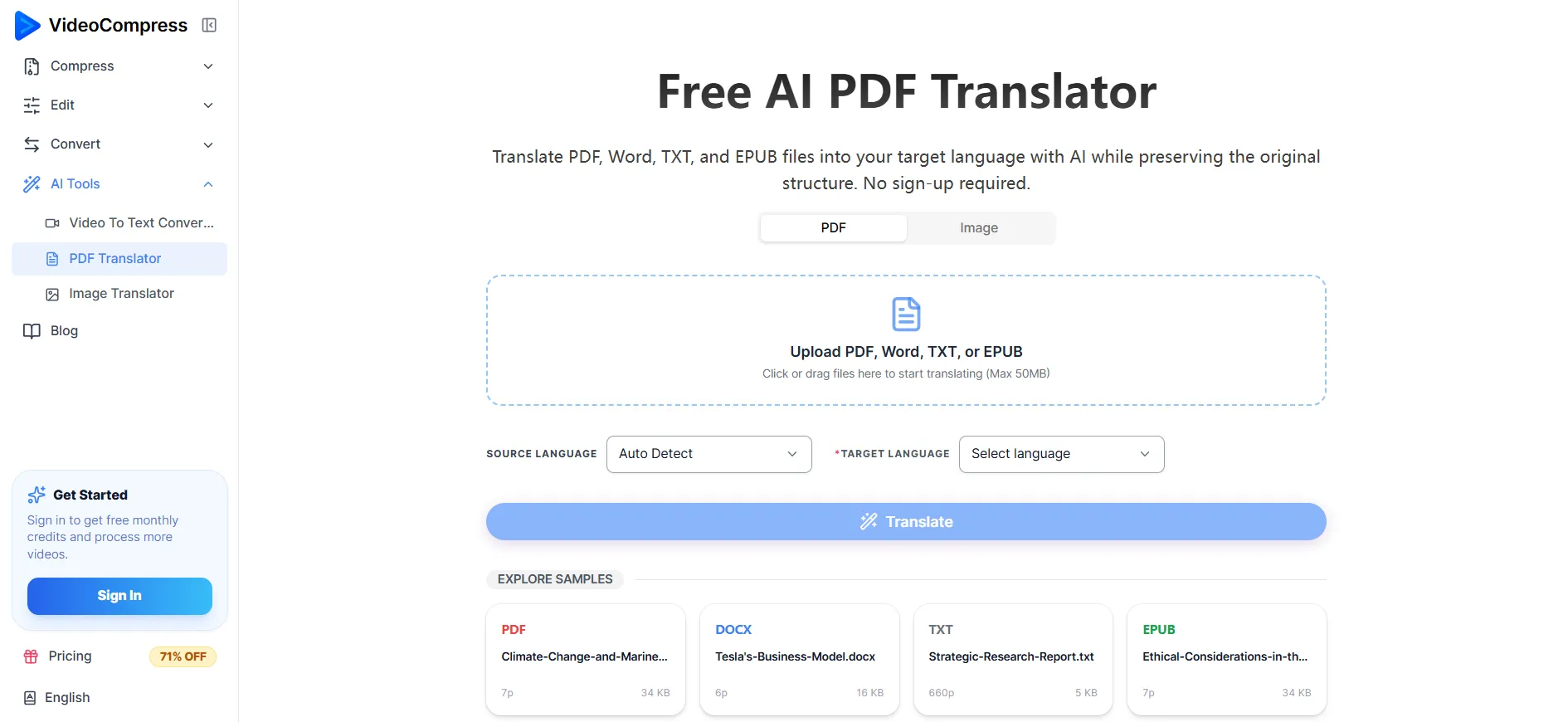
VideoCompress is an AI-powered online PDF translator built around one promise: keep your original document structure intact while translating. In our tests, it handled PDF, Word, TXT, and EPUB files with the strongest layout preservation of any tool we tried — and it’s completely free to use, with a 50 MB per-file upload limit. For files above the size limit, you can run them through VideoCompress’s PDF compressor first to bring the size down before translating.
Key Features
- AI translation engine — Routes content through latest-generation LLMs for contextual consistency
- Format-preserving output — Tables, charts, multi-column layouts, headers, and footers stay aligned with the source
- Multi-format support — Translates PDF, Word, TXT, and EPUB
- Free to use — No subscription, paywall, or feature gating
- Companion compressor — For files above 50 MB, compress first via VideoCompress’s PDF compressor
Pros
- Highest layout-preservation score in our tests — a 28-page report with embedded charts translated without visual drift
- Completely free, with no daily or monthly quota
- Clean interface with no learning curve
- Companion PDF compressor solves the 50 MB file-size limit problem
Cons
- 50 MB per-file limit (use the compressor for larger files)
- No API access for very high-volume enterprise use
Best For
- Anyone who needs accurate document translation without losing the original layout — researchers, business teams, ebook translators, and content teams.
2. BelinDoc — Best for Scanned PDFs and Complex Layouts
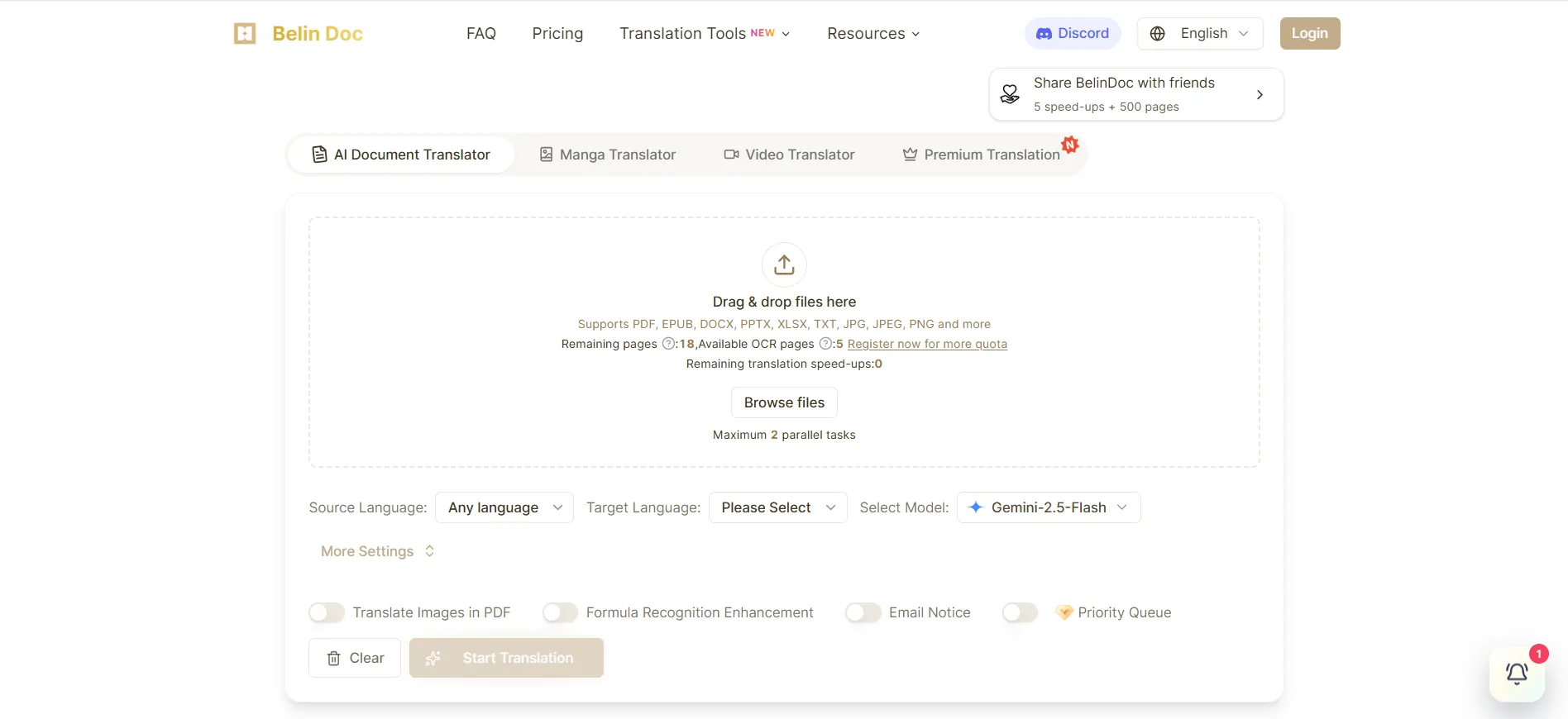
BelinDoc focuses heavily on format fidelity and scanned-document handling. It was the only tool besides VideoCompress that could cleanly OCR and rebuild a 6-page scanned contract without losing tables or signature blocks.
Key Features
- Advanced OCR — Reads scanned PDFs and image-heavy documents
- Layout reconstruction engine — Rebuilds tables, columns, and embedded objects
- Online post-editing — Find/replace, batch corrections after translation
Pros
- Strongest OCR performance we measured
- Excellent layout fidelity on complex PDFs
- Useful post-editing tools for translators
Cons
- Free quota is limited compared to peers
- Advanced features are paywalled
Best For
- Teams that regularly translate scanned PDFs or documents with heavy formatting — legal, academic, and engineering use cases.
3. DeepL Documents — Best for European Language Quality
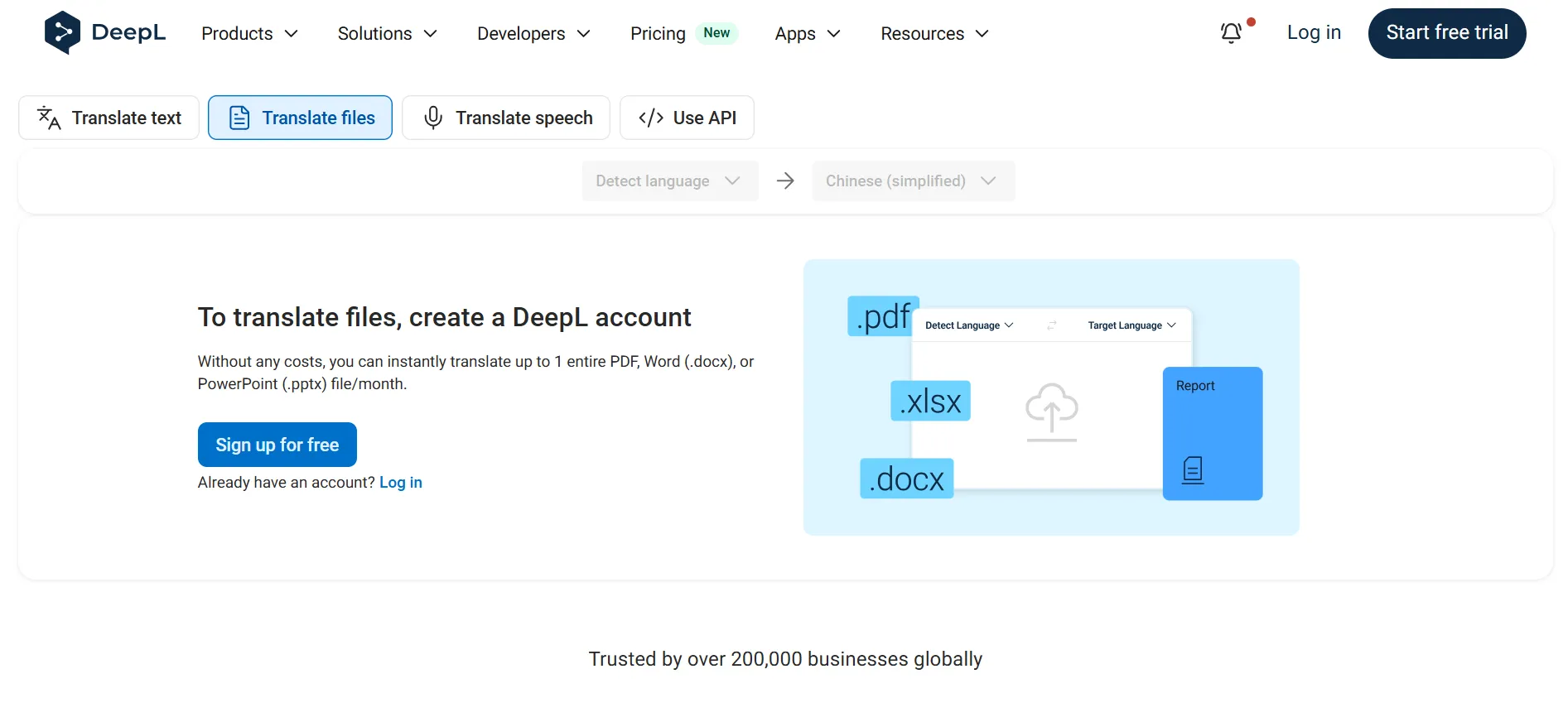
DeepL Documents is the document version of DeepL Translator. It’s widely considered the gold standard for European language translation quality.
Key Features
- Industry-leading NMT for European languages — Especially strong in English ↔ German, French, Spanish, Italian
- Glossary support — Enforce consistent terminology across documents
- Document upload workflow — Drag-and-drop PDF and Word files
Pros
- Most natural-sounding translations in our European-language test
- Glossary control is genuinely useful for technical documents
- Clean, distraction-free interface
Cons
- Weak OCR; struggles with scanned PDFs
- More expensive than general alternatives
- Limited support for non-European languages
Best For
- European-language business and academic translation where quality matters more than format preservation.
4. Google Document Translation — Best for Free Casual Use
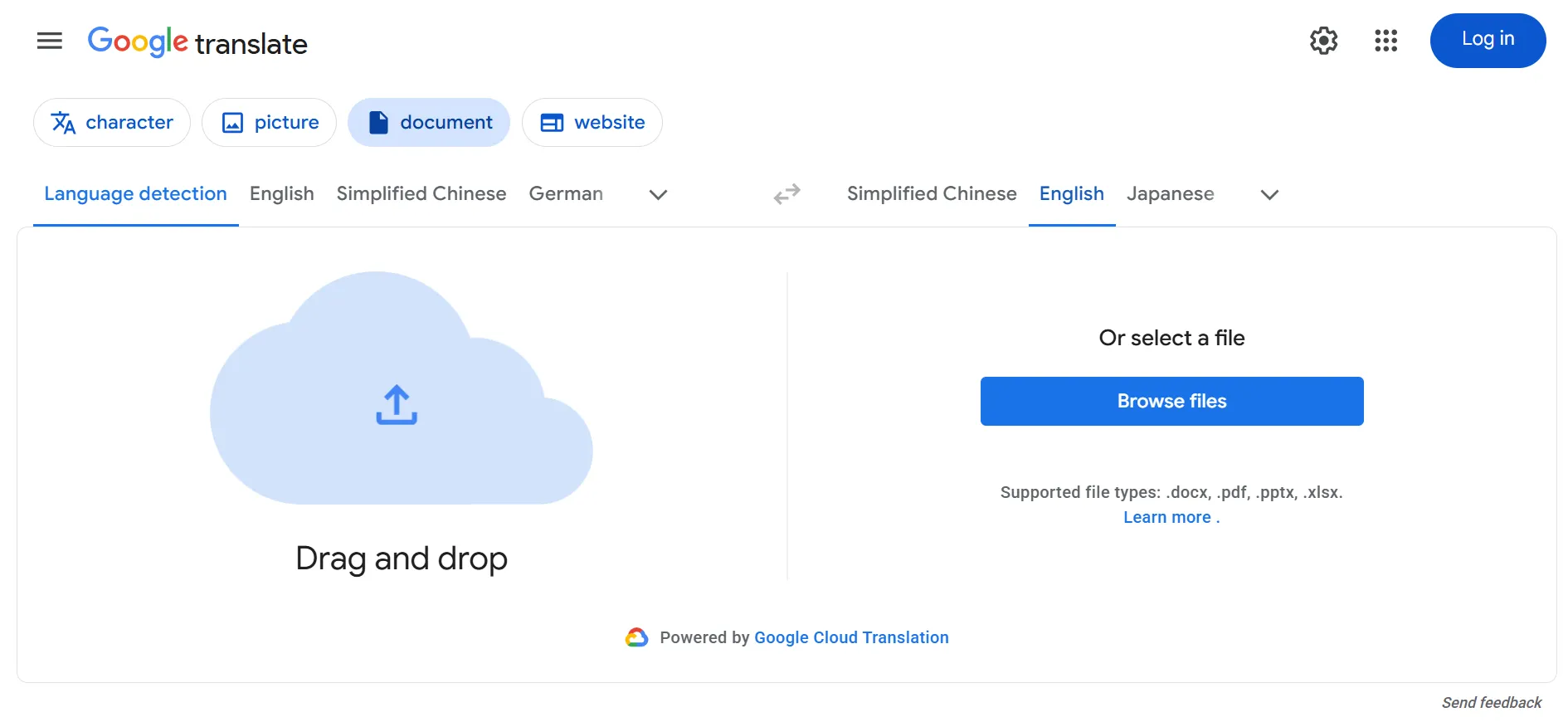
Google Translate’s document mode is the most accessible tool on this list — free, fast, no account required, and supports a huge number of languages.
Key Features
- 240+ languages — The widest language coverage of any tool here
- Direct browser upload — No sign-up
- Fast processing — Small files return in seconds
Pros
- Completely free
- Fast and frictionless
- Best language coverage in the test
Cons
- No OCR — scanned PDFs are unusable
- Layout preservation is weak on complex documents
- Translation quality varies significantly by language pair
Best For
- Casual users translating simple, text-based PDFs into commonly supported languages.
5. SlideSpeak — Best for Presentation Translation
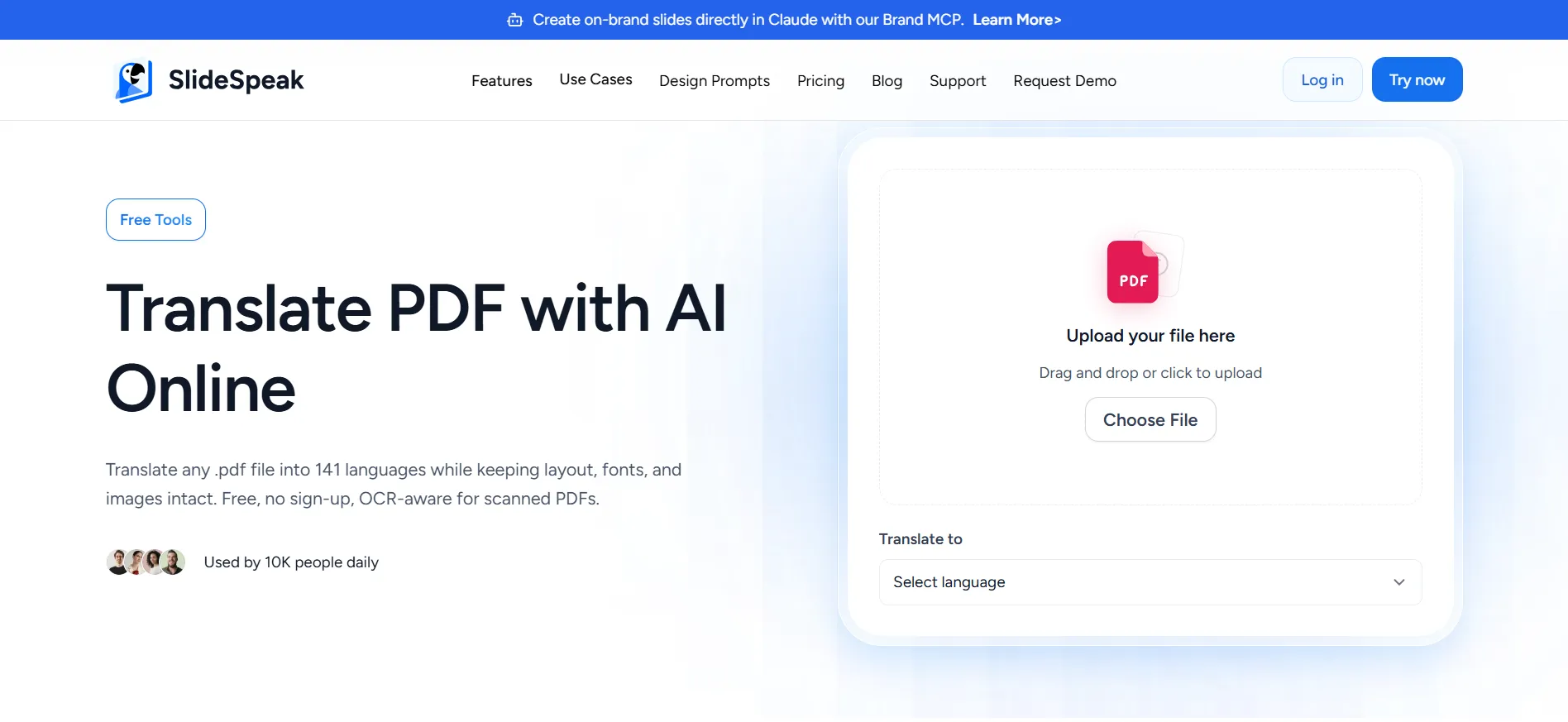
SlideSpeak is built specifically for translating presentations and slide decks, not text-based documents. It’s a strong fit if your main file type is PowerPoint or Google Slides exported as PDF.
Key Features
- Slide-aware translation — Maintains slide layout, speaker notes, and visual hierarchy
- Multi-language output — Useful for global teams preparing the same deck
- PDF export support — Translates exported slide PDFs
Pros
- Excellent for slide-specific layouts
- Handles speaker notes and text boxes well
- Built-in support for common business formats
Cons
- Less effective on text-heavy PDFs
- Free tier is limited
Best For
- Business teams and consultants who translate the same presentation into multiple languages.
6. Doclingo — Best for Multi-Language Document Workflows
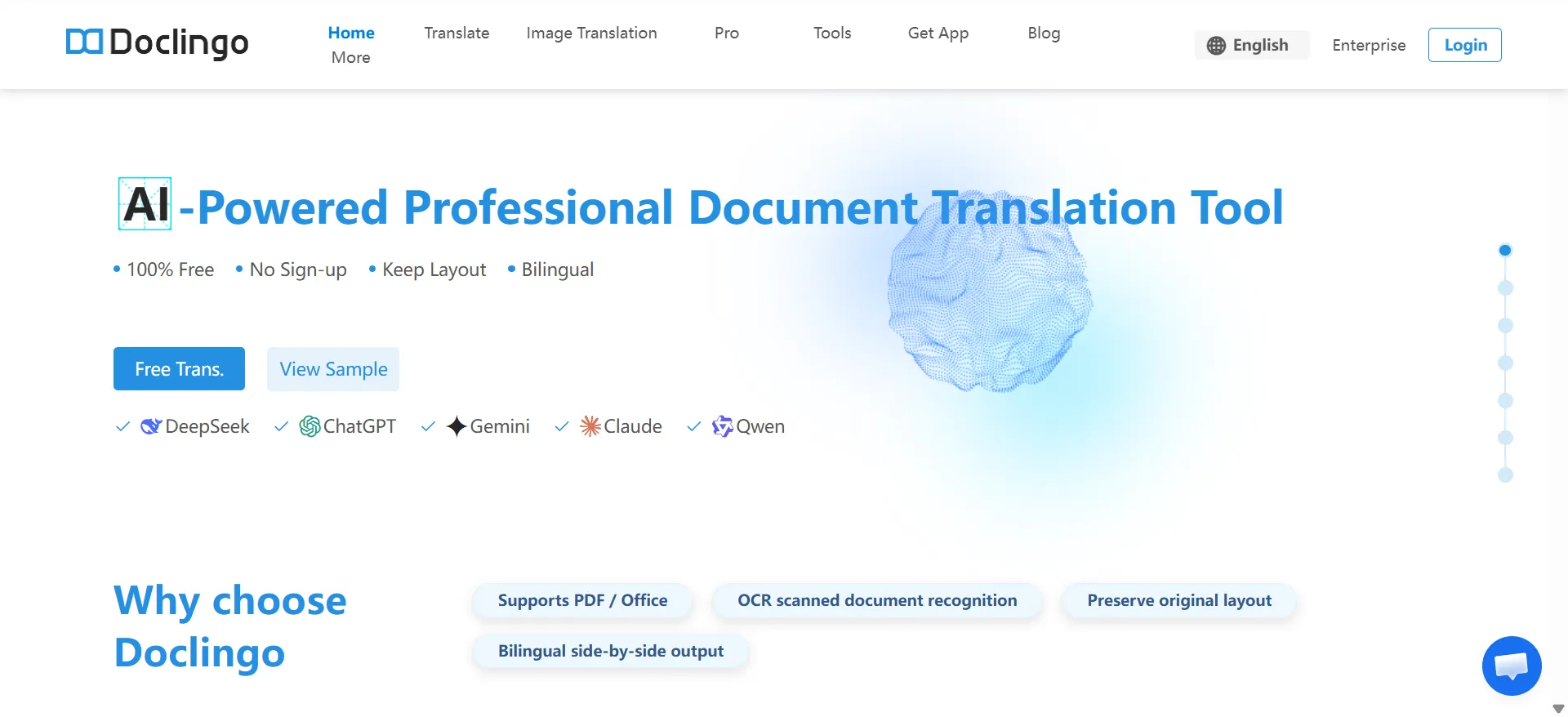
Doclingo is an online PDF translator focused on multi-language document workflows. In our test, it translated a 40-page technical manual (mixing English, Spanish, and German) and held terminology consistent across chapters.
Key Features
- Multi-language pipeline — Routes content through language-specific translation models
- Terminology consistency — Maintains glossary control across long documents
- Online workflow — Drag-and-drop upload at doclingo.ai/en
Pros
- Clean, straightforward interface suited for non-technical users
- Strong terminology consistency across long, multi-language documents
- Supports multiple input formats
Cons
- Layout preservation is less polished than top competitors on heavily designed PDFs
- Free quota is limited compared to alternatives
Best For
- Multi-language document workflows where terminology consistency matters more than pixel-perfect formatting.
7. NoteGPT — Best for Study Notes and Academic Content
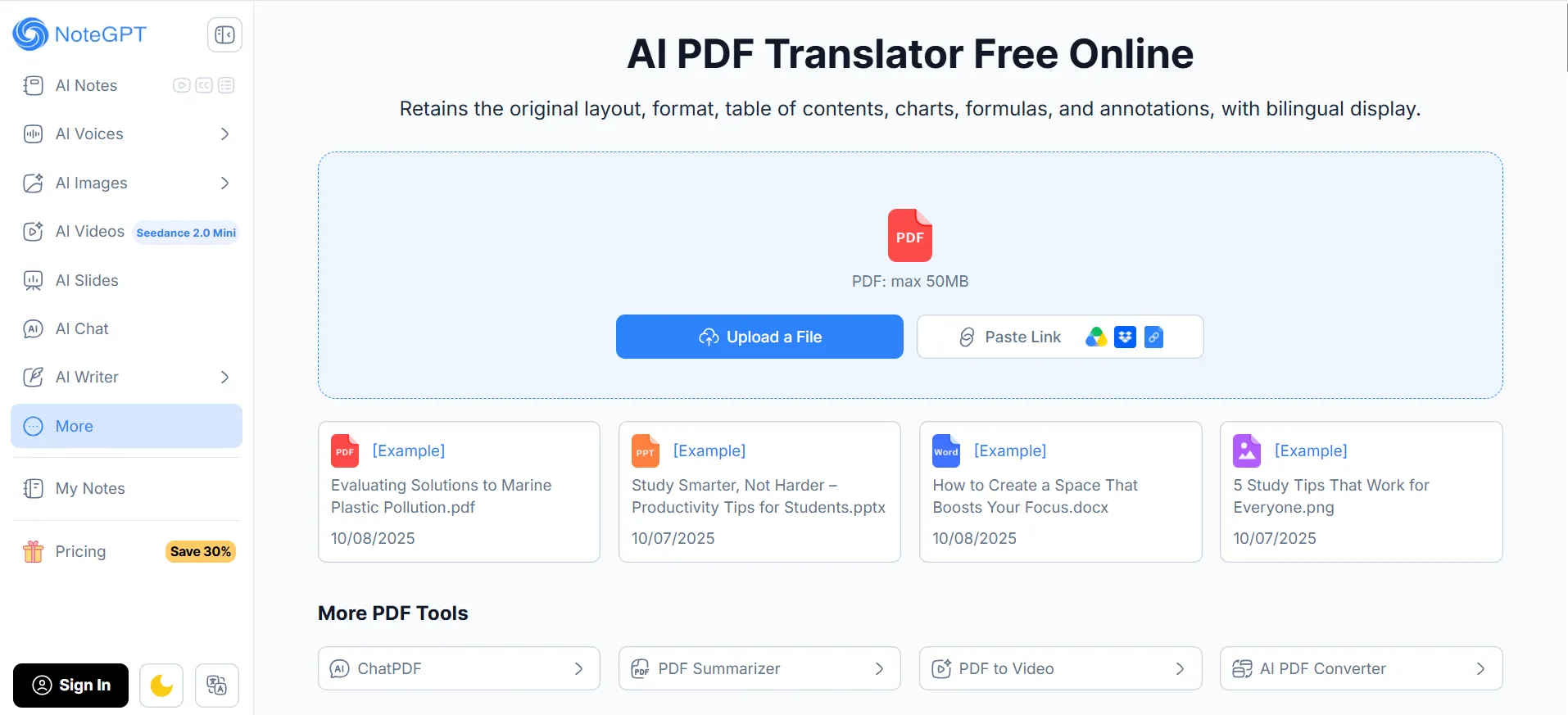
NoteGPT combines summarization with translation. Particularly useful for students and researchers working with academic PDFs.
Key Features
- AI summarization + translation — Two-in-one workflow for learning material
- Note-friendly output — Cleaner text for studying
- Free tier — Useful for low-volume personal use
Pros
- Great for processing lecture notes and academic PDFs
- Combines summary and translation
- Free tier covers typical student needs
Cons
- No OCR
- Not designed for preserving complex layouts
- Limited file size on free plan
Best For
- Students, researchers, and lifelong learners who want to translate and summarise study material in one pass.
8. OpenAI / ChatGPT — Best for Paragraph-Level Creative Translation
ChatGPT isn’t a dedicated online PDF translator, but it’s become a go-to for natural, creative, or marketing-heavy content.
Key Features
- Most natural phrasing — Especially for marketing copy and creative text
- Custom instructions — You can specify tone, formality, glossary
- Multilingual — Strong across 50+ languages
Pros
- Most flexible wording of any tool
- Excellent for creative or nuanced content
- Free tier available via ChatGPT
Cons
- No real layout preservation — you get plain text
- Requires manual copy-paste from PDFs (no native upload)
- Token costs can add up for long documents
Best For
- Translating marketing copy, emails, and short creative pieces where wording matters more than formatting.
9. Yandex — Best for Russian and Eastern European Languages
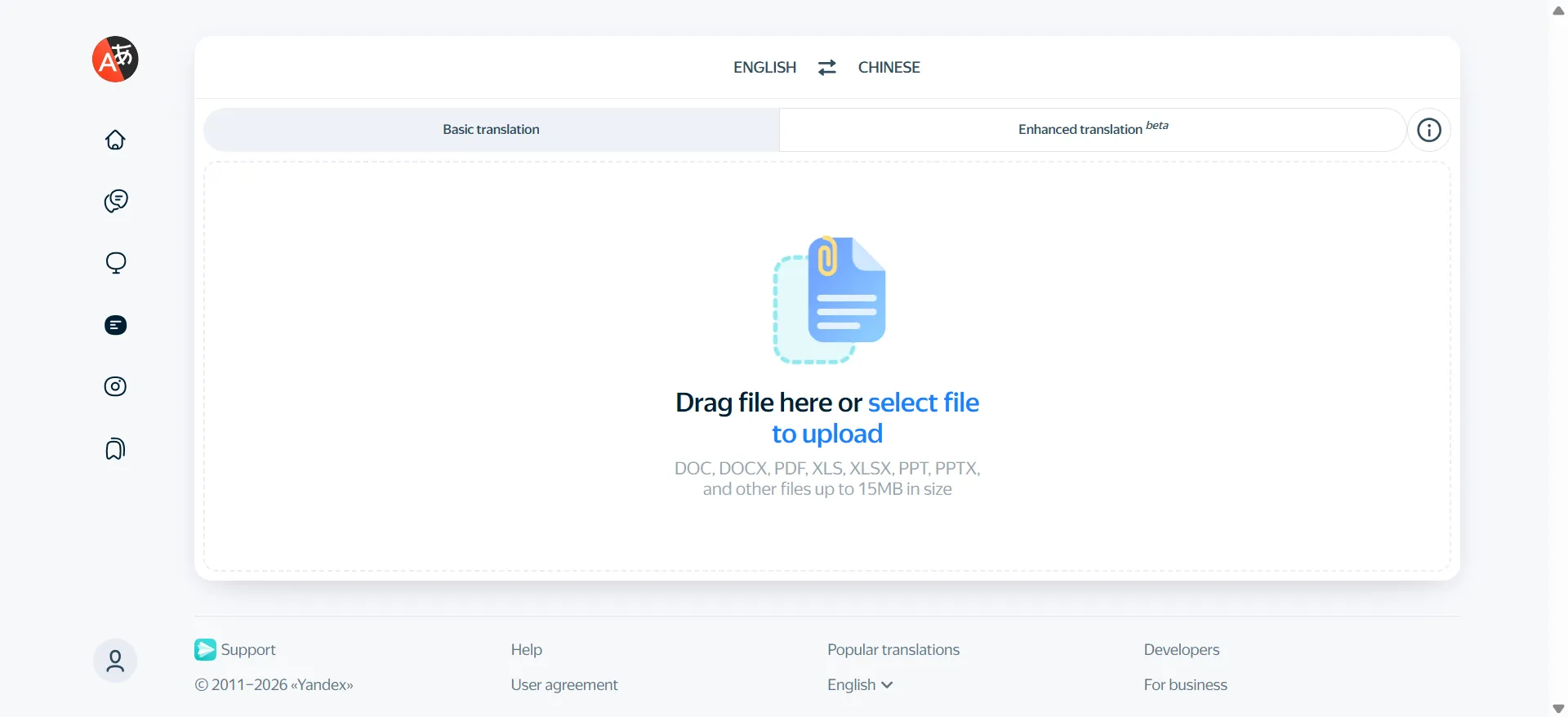
Yandex Translate’s document mode is the strongest free option for Russian and Ukrainian.
Key Features
- Best-in-class Slavic language translation
- Generous free tier
- Browser-based upload — No install required
Pros
- Strongest Russian language quality of any tool tested
- Free tier is larger than most competitors
- Decent OCR support
Cons
- Average quality for major Western languages
- Interface is less polished than Western alternatives
- Not ideal for business-critical documents
Best For
- Translating Russian, Ukrainian, Belarusian, and other Eastern European content.
10. SmartCat — Best for Enterprise MT + Human Review Workflows
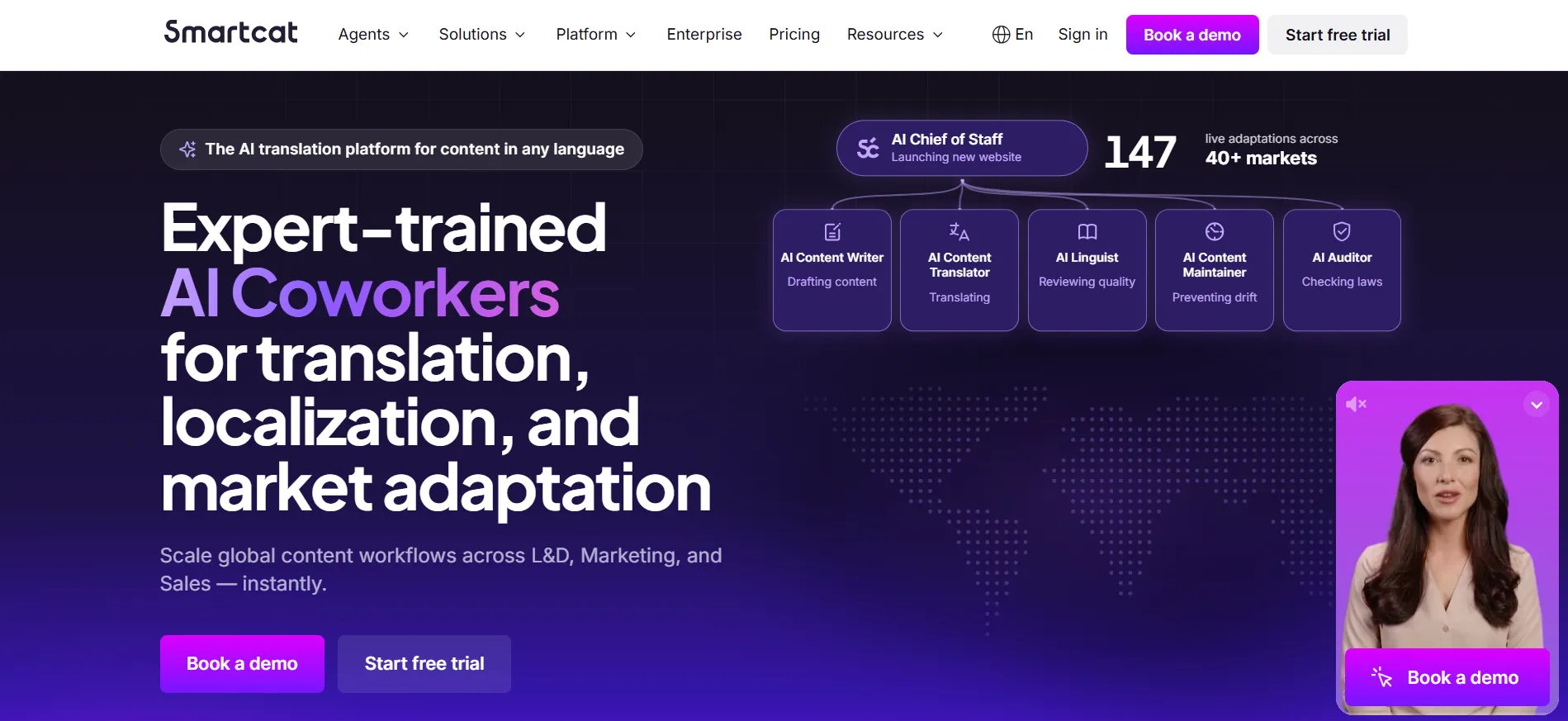
SmartCat is a translation management platform that combines machine translation with professional translator workflows.
Key Features
- MT + human translator hybrid
- Translation memory and glossaries
- Collaboration tools for translator teams
Pros
- Best-in-class for enterprise translation workflows
- Combines automation with human review
- Strong project management features
Cons
- Higher price point
- Steeper learning curve than consumer tools
- Overkill for one-off translations
Best For
- Translation agencies and enterprise teams that need MT + human review at scale.
How to Choose the Right Online PDF Translator
By use case:
- All-around + multi-format, free → VideoCompress
- Scanned PDFs and contracts → BelinDoc
- European languages where quality matters → DeepL Documents
- Free, casual, no setup → Google Document Translation
- Presentations and slides → SlideSpeak
- Russian / Eastern European content → Yandex
- Creative, marketing copy → ChatGPT
- Enterprise MT + translator workflows → SmartCat
Key capabilities at a glance:
- Layout preservation: VideoCompress, BelinDoc
- OCR for scanned PDFs: BelinDoc, VideoCompress
- European language quality: DeepL Documents
- Largest free quotas: Google, Yandex
- Presentation translation: SlideSpeak
- Enterprise workflows: SmartCat
Tips for Better Results with an Online PDF Translator💡
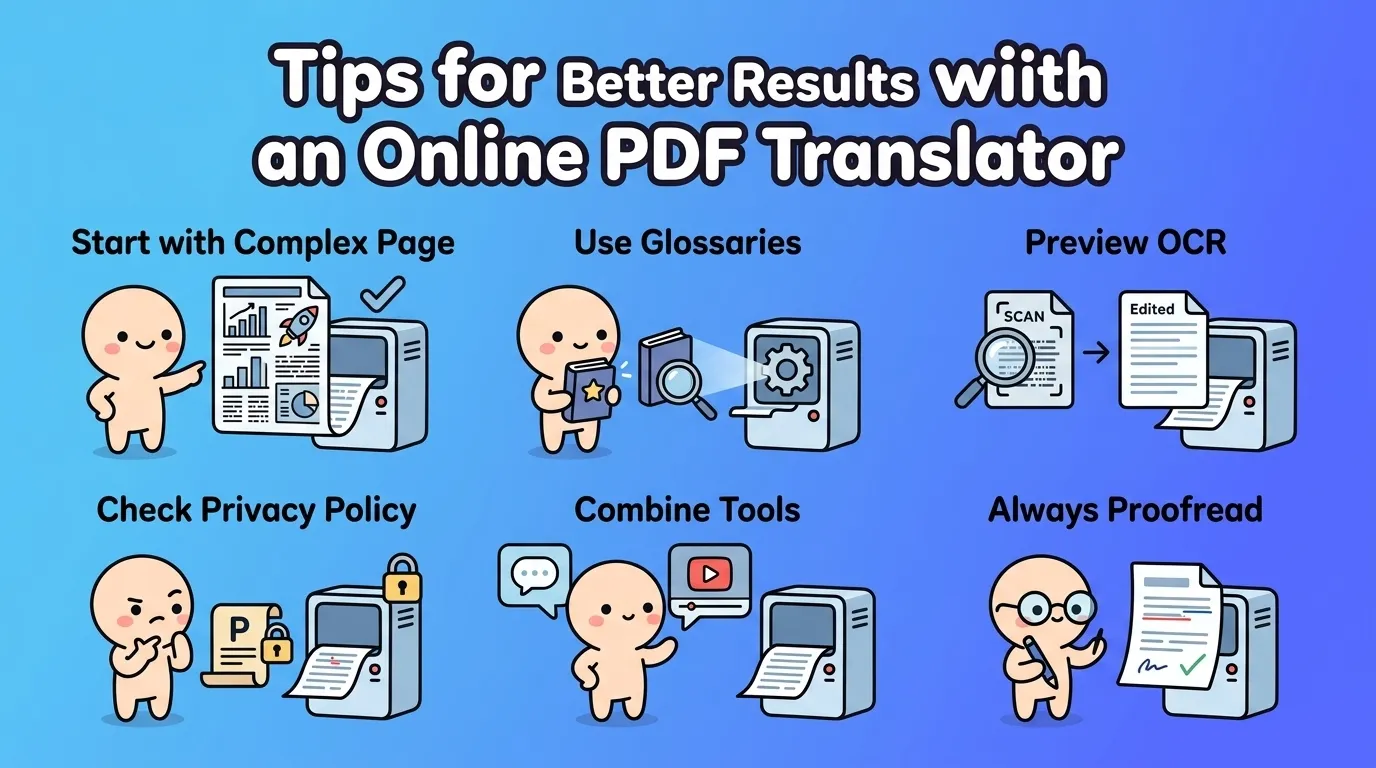
- Start with your most complex page. If a tool handles your trickiest layout, the rest will follow.
- Use glossaries when available — especially for technical or branded content.
- Preview OCR output on scanned files before translating to catch recognition errors early.
- Check the privacy policy before uploading sensitive documents.
- Combine tools when useful — e.g. ChatGPT for phrasing, VideoCompress for layout.
- Always proofread — even the best AI translation has occasional errors on names, numbers, and idioms.
FAQ
What is the best online PDF translator in 2026?
For most users, VideoCompress offers the strongest balance of layout preservation, multi-format support (PDF, Word, TXT, EPUB), and translation quality. For scanned PDFs specifically, BelinDoc is also excellent. For European language quality, DeepL Documents leads.
Which tool keeps PDF formatting best?
In our testing, VideoCompress and BelinDoc produced the cleanest layouts on PDFs with tables, charts, and multi-column text. Google Translate and ChatGPT do not preserve formatting.
Are online PDF translator tools secure?
Major tools (VideoCompress, BelinDoc, DeepL, Microsoft) use encrypted uploads and explicitly state they don’t train on user documents. Always check the privacy policy before uploading sensitive files.
Can these tools handle scanned PDFs?
Some can. VideoCompress and BelinDoc both include OCR for scanned PDFs. Google Translate and ChatGPT do not — they will fail on image-based documents.
What file formats do online PDF translators support?
Most support PDF and Word. VideoCompress also supports TXT and EPUB natively. SmartCat and BelinDoc support wider ranges for enterprise use.
Is VideoCompress really free?
Yes. VideoCompress’s PDF translator is completely free to use, with a 50 MB per-file upload limit. For files above 50 MB, compress them first using VideoCompress’s PDF compressor tool, then upload them to the translator.
Conclusion
Online PDF translation has matured into a full product category in 2026. Whether you need an all-around tool that preserves layout, a specialist for scanned PDFs, or a free option for casual use, there’s an online PDF translator that fits.
For most users — researchers, business teams, content creators, and students — the best balance of translation quality, layout preservation, and multi-format support is VideoCompress. It’s completely free, handles PDF, Word, TXT, and EPUB without losing the original structure, and even has a companion PDF compressor for oversized files.
Try VideoCompress free and translate your first document in minutes.