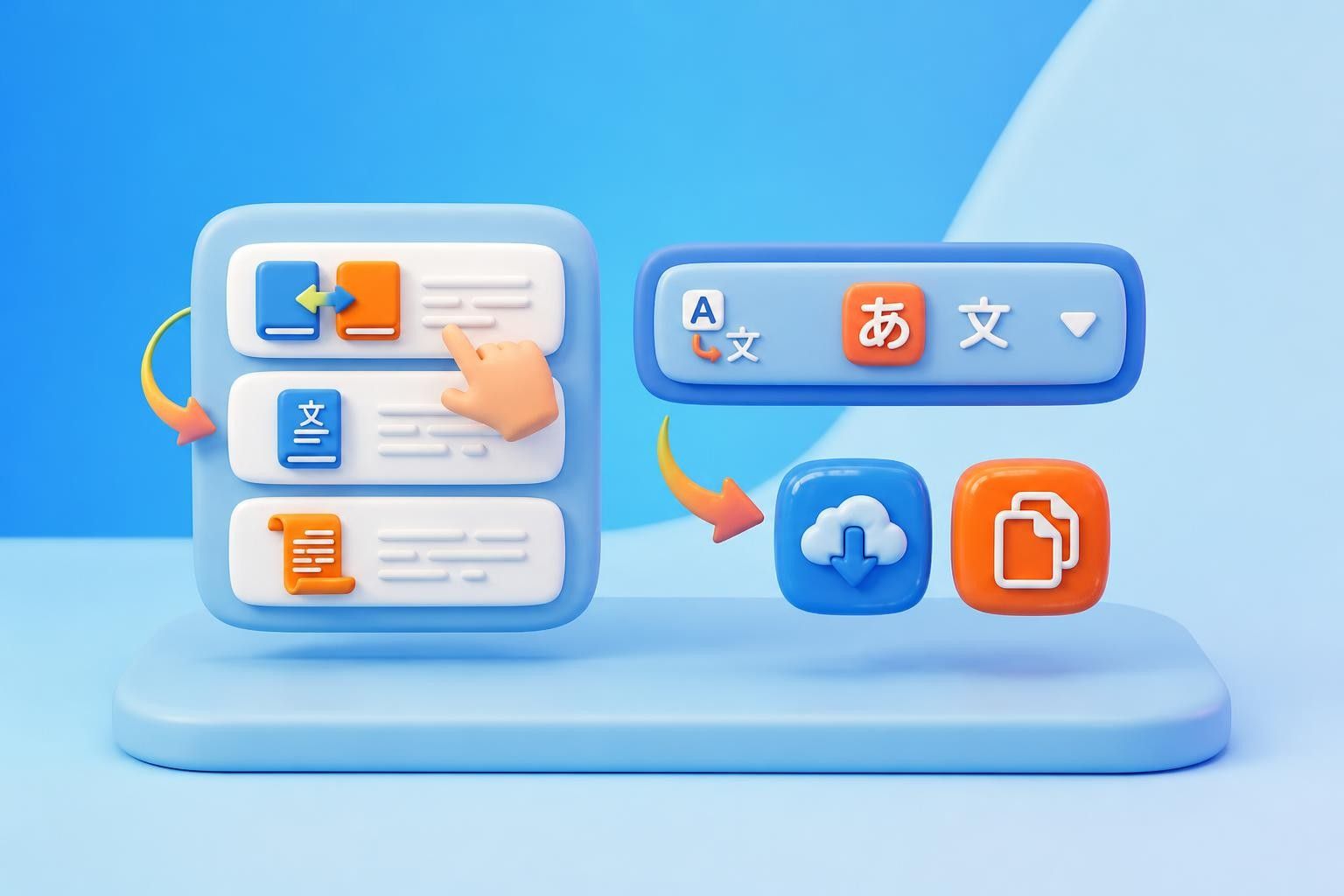
Free AI Image Translator

Free online image translator for fast, accurate results. Upload JPG, PNG, WEBP, or SVG and keep the original layout intact. No sign-up required.

Upload PDF, Word, TXT, or EPUB
Click or drag files here to start translating (Max 50MB)
SOURCE LANGUAGE
Auto Detect
*TARGET LANGUAGE
Select language
EXPLORE SAMPLES

How to Use Our Free Image Translator in 3 Steps

Get your images translated in three simple steps with our free image translator. No sign-up needed.

Step 1. Upload Your Image

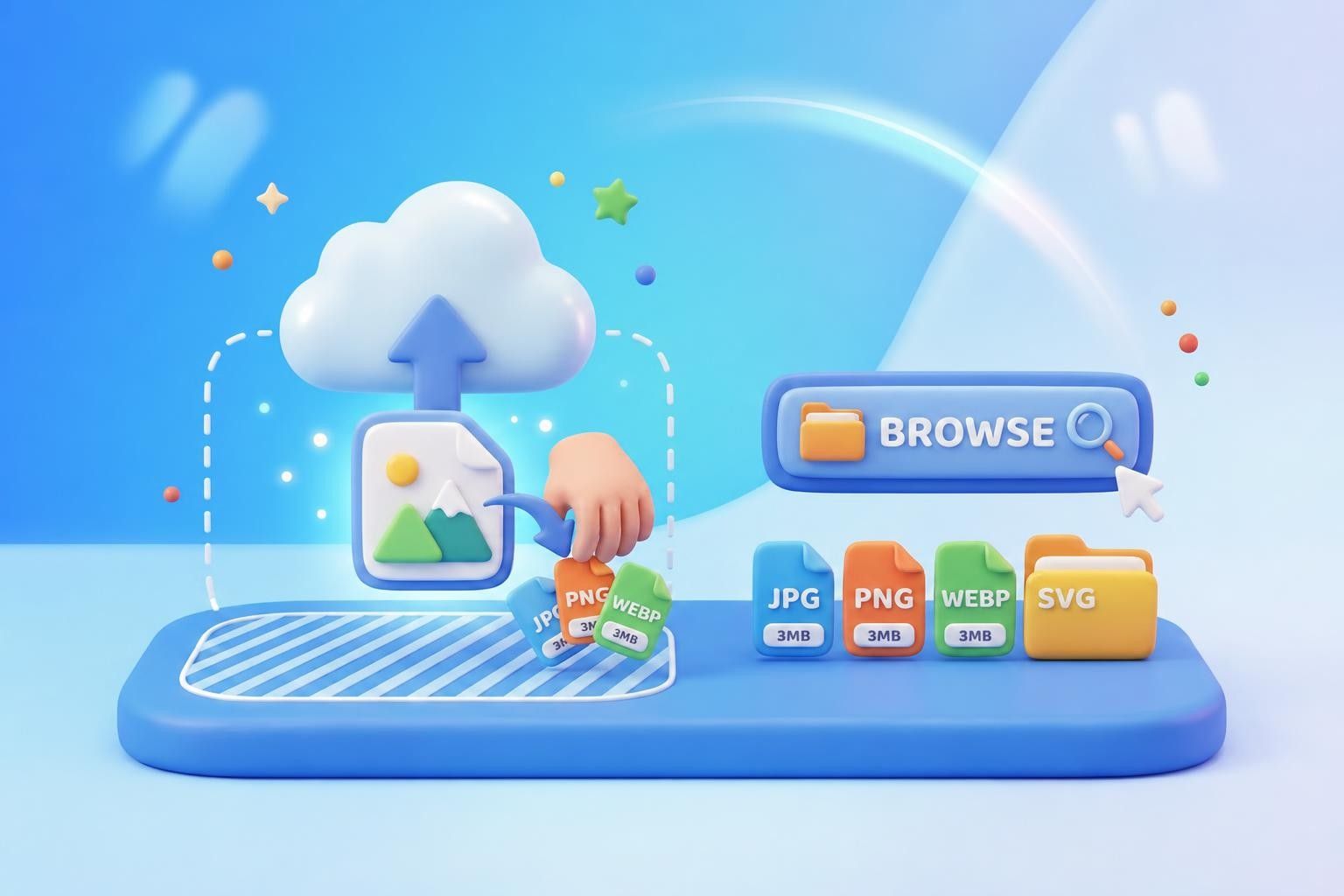
Upload your image to the image translator using either of these methods - drag and drop, or browse locally. Supported formats: JPG, PNG, WEBP, and SVG, up to 3MB each.

Step 2. Choose Your Target Language and Translate

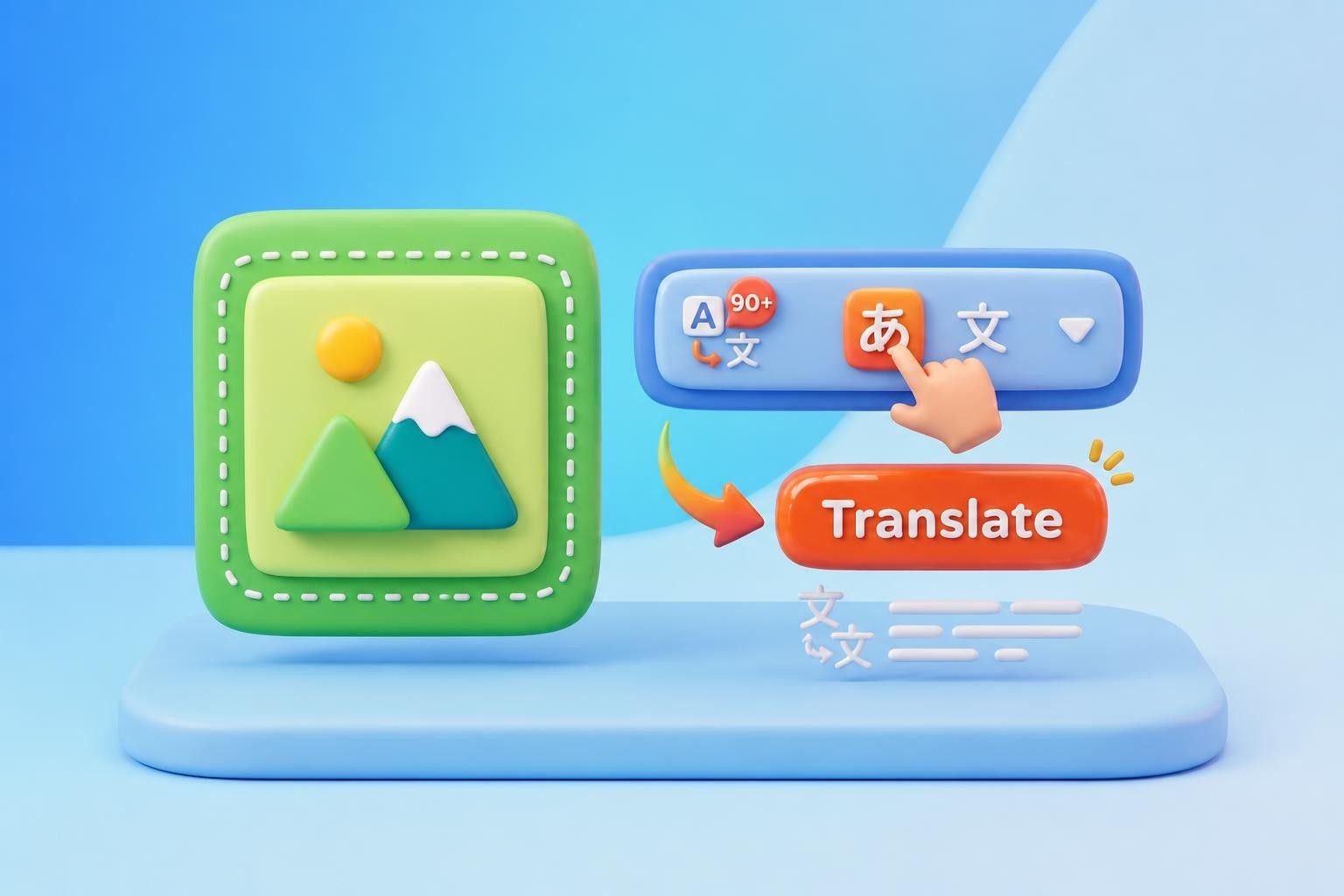
Once your image is uploaded, select the target language. There are 90+ languages that you can pick according to your needs. Then click the "Translate" button and the image translator reads the text automatically - one click and go.

Step 3. Download the Translated Image

Once the translation is complete, you can review the result in Bilingual, Translated-only, or Transcript view, then download the translated image as a JPG or copy the text to your device.

Step 1. Upload Your Image
Step 2. Choose Your Target Language and Translate
Step 3. Download the Translated Image

Why Our Image Translator Makes Visual Translation Simple?

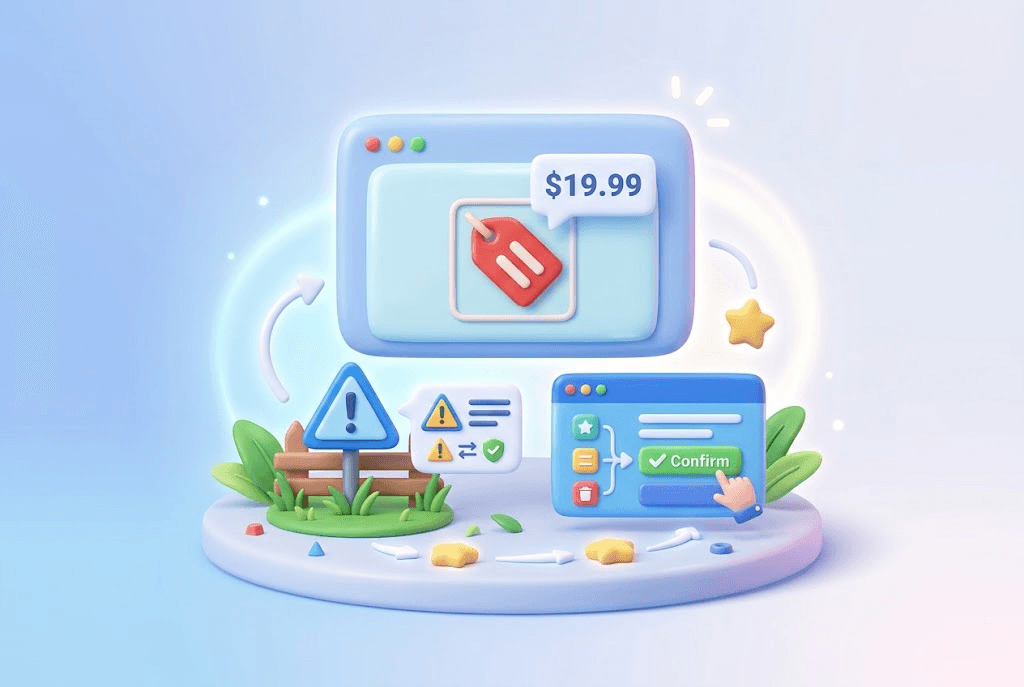
Understand Images Without Losing Context

A price tag, a warning label, or a UI button rarely means much on its own - it needs the picture to make sense. A good image translator keeps the visual layout in view while you read the translation, so numbers, instructions, and short phrases stay tied to the context that gives them meaning - something a plain-text result can't always offer.

Start Translation
Understand Images Without Losing Context

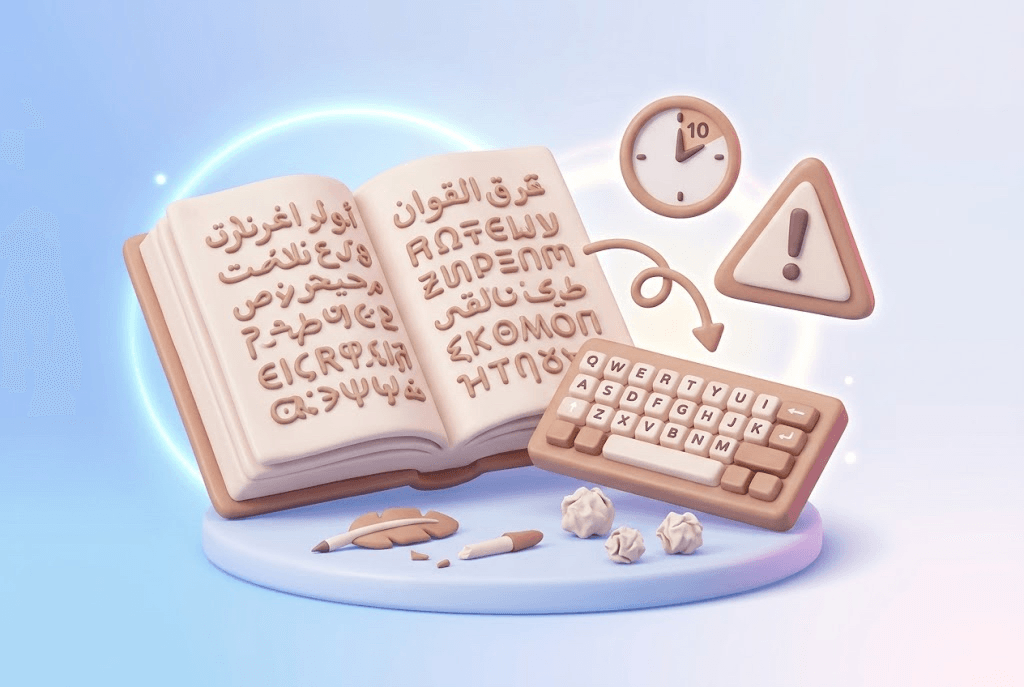
Skip the Manual Retyping

Photos and screenshots do not let you select text, so copying them out by hand is slow and error-prone, especially with unfamiliar scripts. Upload the file and let the image translator handle the text automatically - what used to take ten minutes of careful retyping now takes ten seconds.

Start Translation
Skip the Manual Retyping

Preview Before You Commit

Not every translation needs to be perfect on the first look, but it does need to be checkable. With a live preview, you can compare the source and the translated image side by side before you download anything - especially useful for content you actually plan to act on, like contracts, labels, or instructions.

Start Translation
Preview Before You Commit

Turn Translation into Understanding

Sometimes reading the words is only half the job. Our built-in AI tools - Summary, Mind Map, and Chat - let you go from a translated image straight to an explanation, an outline, or a follow-up question, without a second app - turning a quick translation into real understanding.

Start Translation
Turn Translation into Understanding

What are the Features of Our Image Translator?

A free online image translator built for precise results, strict privacy, and one-click ease across 90+ languages.

Accurate Translations

Context matters more than word-for-word matching. Our image translator relies on top-tier language models that read the full sentence - not just isolated words - so a street sign, a menu, or an app screenshot comes back sounding natural in any of 90+ languages.

Multi-Format Support

Screenshots, phone photos, scanned labels, exported graphics - they rarely arrive in the same format. This image translator reads JPG, PNG, WEBP, or SVG straight away, with no conversion step standing between you and the translation you actually need.

Your Images Stay Private

Images are transferred over an encrypted connection and automatically deleted after processing according to our data retention policy. Your files are not used to train our models.

Original Layout Preserved

Translating text shouldn't mean rebuilding the whole image from scratch. Viewer mode lines up your translation next to the original, keeping fonts, spacing, and design exactly where they were, so what you download still looks like it belongs to the source.

What Users Say About Our Image Translator

Real feedback from people who use our image translator for work, study, and everyday life.

"

I needed to translate text in images from a Portuguese research paper while putting together my thesis, and this tool kept the layout visible the whole time so I never lost track of what the numbers referred to. The summary feature also gave me a fast read on which pages actually needed a closer look.

Amara Okafor

Amara Okafor

Graduate Researcher

"

Client confidentiality is non-negotiable in my line of work, so before I used this to translate image content from a partner's internal documents, I actually read through their privacy policy. No training data use, no retained copies after processing - that's rare enough that it's worth mentioning. The turnaround speed on top of that made it an easy call to keep using.

Tobias Lindqvist

Tobias Lindqvist

Legal Consultant

"

I run a small import business and deal with supplier photos in Spanish almost daily. What sold me on this image translator wasn't just the translation quality - it's that everything gets deleted from their servers within a day. I'm not comfortable uploading product specs and pricing sheets to a tool that might keep a copy somewhere.

Marcus Webb

Marcus Webb

Import Business Owner

"

I was skeptical about how fast this could actually be, since most OCR tools I've tried choke on dense text. But I uploaded a full page of Korean study notes and had a translated image back in what felt like seconds - no waiting around, no processing spinner stuck at 90%. It's become part of my actual study routine now, not just something I open once and forget.

Grace Okonkwo

Grace Okonkwo

Language Student

"

Half my week is spent going through supplier screenshots and product labels, and this image translator has become the fastest way to check packaging warnings and specs before I get on a call with a vendor. I download the translated image and forward it straight to my team instead of explaining every line myself.

Henrik Larsson

Henrik Larsson

Supply Chain Manager

"

As someone who studies app onboarding flows across regions, I collect screenshots constantly, and switching between bilingual and translated-only view has genuinely changed how fast I work. It lets me translate image content from menus and buttons without ever losing sight of the original design.

Priya Nair

Priya Nair

UX Researcher

FAQ About How to Translate Images

Answers about supported languages, upload limits, accuracy on complex images, processing speed, file security, and downloading your results.

Ready to Translate Your Image for Free?

Upload your file and get an accurate result in seconds. Break language barriers instantly with our free image translator.